Make It Easy for Guests to Find Your Event
Add your event location to your digital invitation with Google Maps so guests can view the venue, check the location and get directions easily from their mobile device.
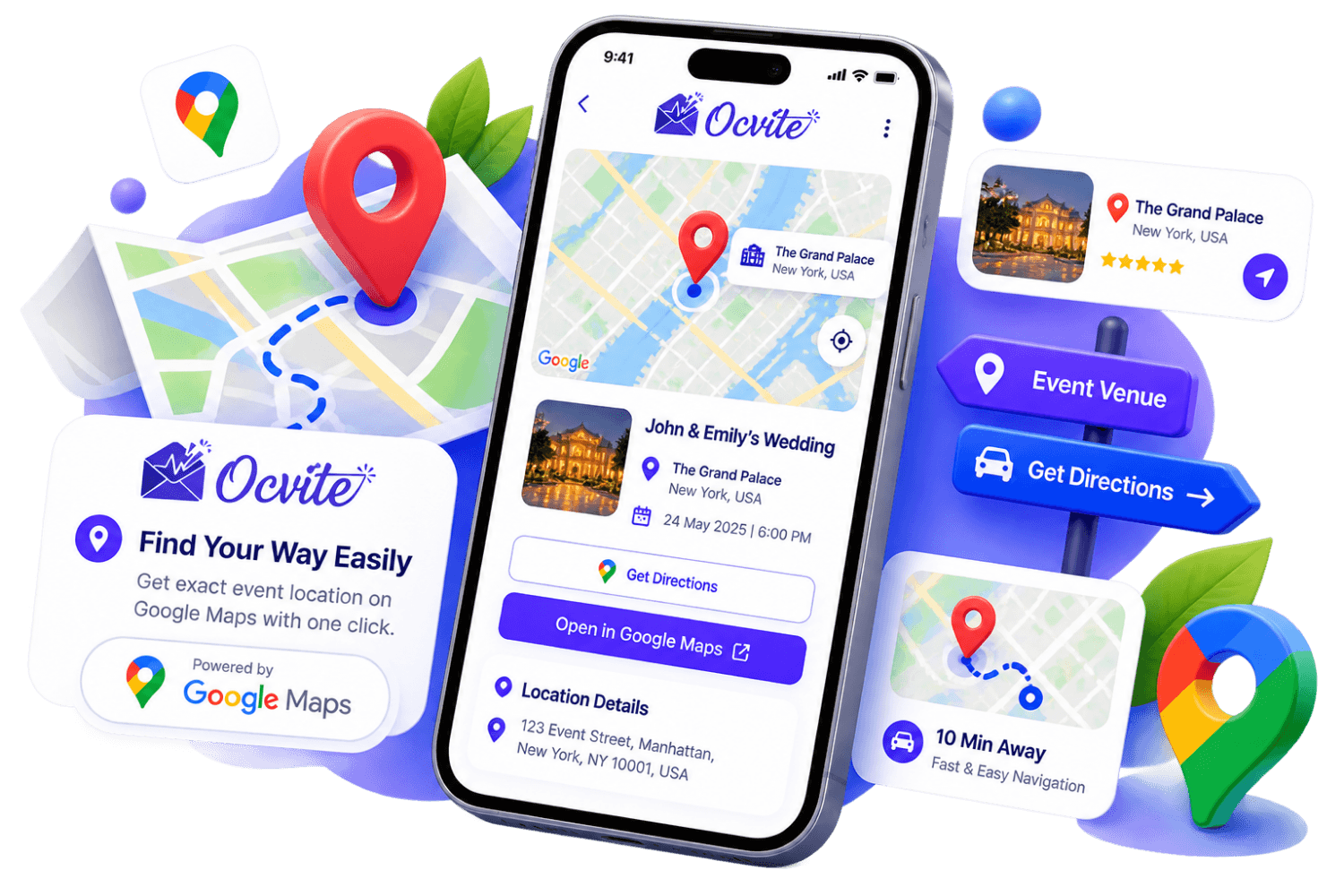
Help Guests Find Your Event With Ease
Finding the right venue can be difficult when guests have to search for an address manually or ask for directions. Ocvite makes it easier by allowing you to include your event location with Google Maps in your digital invitation.
Whether you are organizing a wedding, birthday party, engagement, baby shower, housewarming, anniversary, corporate event or another gathering, providing a clear map location can make it easier for guests to reach your venue with confidence.
Add Your Event Location
Include your event venue and location details directly in your digital invitation so guests know exactly where the event is happening.
Google Maps Integration
Connect your event location with Google Maps so guests can easily view the venue location and access directions.
Easy Directions for Guests
Guests can use the map location to find directions to your venue from their current location or another starting point.
Mobile-Friendly Location Access
Guests can access the event location from their mobile phone, making it convenient to navigate while travelling to the event.
Reduce Location Confusion
Provide a clear digital location instead of relying only on written addresses or manually shared directions.
Perfect for Any Event
Add venue directions to weddings, birthdays, corporate events, parties, celebrations and other gatherings.
How Google Maps Works
Create Your Event
Create your digital invitation and add your event name, date, time, venue and other important information.
Add Your Venue
Enter your event venue and location details so guests can identify where the event will take place.
Add the Map Location
Connect your event location with Google Maps to provide guests with an easy way to view the venue location.
Share Your Invitation
Share your digital invitation with your guests through WhatsApp, social platforms or your preferred sharing method.
Guests Get Directions
Guests open the invitation, view the event location and use the map to get directions to the venue.
Perfect for Every Type of Event
Wedding
Help wedding guests easily find the ceremony or reception venue using the location included in the digital invitation.
Birthday
Make it easier for friends and family to find your birthday celebration venue with a convenient map location.
Baby Shower
Provide guests with a clear venue location so they can easily find your baby shower celebration.
Engagement
Help invited guests navigate to your engagement celebration with an easy-to-access event location.
Corporate Event
Help employees, clients, partners and attendees find offices, hotels, conference venues and other corporate event locations.
Housewarming
Make it easier for friends and family to reach your new home by providing a convenient map location with the invitation.