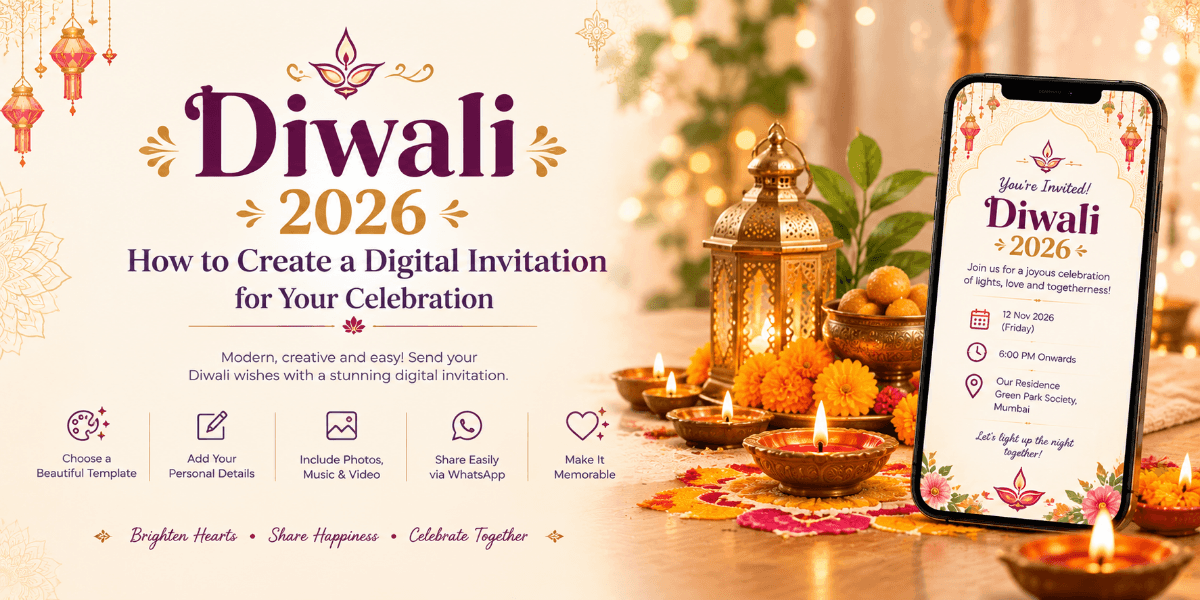
Diwali 2026: How to Create a Digital Invitation for Your Celebration
Diwali is a time for lights, family gatherings, festive meals and celebrations with friends and colleagues. In 2026, Diwali falls on November 8 according to the date supplied for this festival calendar. A well-designed digital invitation can help you communicate your celebration details while setting the mood for the occasion.
Choose the Right Diwali Invitation Style
Start by deciding whether your event is a family gathering, Lakshmi Puja, office celebration or community festival. Your invitation style should reflect the purpose and atmosphere of the event.
Traditional and Elegant
Use diyas, floral motifs, rangoli-inspired patterns and warm festive colours for a traditional look.
Modern and Minimal
Choose clean typography, simple layouts and subtle lighting effects for a contemporary invitation.
Corporate Diwali Celebration
For workplace events, include the company or host name, venue, dress code, schedule and any employee participation details.
Essential Details for a Diwali Invitation
Include the date, starting time, venue, host details and planned activities. If you are organising Lakshmi Puja, clearly communicate the relevant schedule and any instructions for guests.
Make Your Digital Invitation More Engaging
Consider a personalised welcome message, festive visuals, event schedule, location information and an RSVP option when appropriate.
Create Your Diwali Invitation with Ocvite
Ocvite helps you create digital invitations for festive gatherings and events. Choose a design that matches your celebration and present important details in an organised, guest-friendly format.
Frequently Asked Questions
When is Diwali in 2026?
Diwali is listed for Sunday, November 8, 2026, in the supplied calendar. Confirm local panchang details before publishing event timings.
Can I create a Diwali invitation for an office event?
Yes. Include the company name, event schedule, venue, dress code and any other instructions employees need.