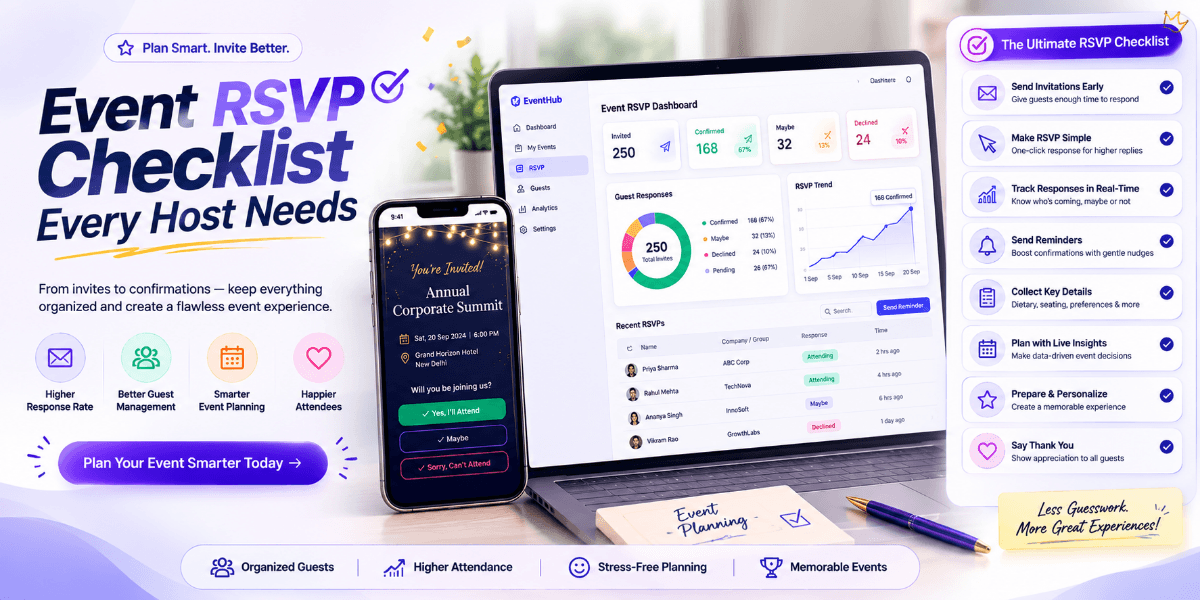
Event RSVP Checklist Every Host Needs
Guest responses can affect almost every part of event planning. Catering, seating, venue capacity, activities, materials, and staffing may all depend on knowing how many people are attending.
A simple event RSVP checklist can help hosts stay organized from the moment invitations are sent until the event day.
1. Prepare Your Guest List
Start with an accurate guest list. Depending on the event, you may need guest names, contact details, number of attendees, or other relevant information.
2. Choose the RSVP Method
Decide how guests will confirm their attendance. A digital RSVP can make it easier to collect responses and keep the guest list organized.
3. Set a Clear Deadline
Give guests a specific date by which they should respond. The deadline should provide enough time for you to finalize catering, seating, venue arrangements, and other requirements.
4. Track Confirmed Guests
Separate confirmed guests from those who have not responded. This makes it easier to understand the expected attendance.
5. Track Declined Invitations
Knowing who cannot attend is also useful. It gives you a more accurate picture of the final guest count.
6. Follow Up With Pending Guests
Some guests may simply forget to respond. A polite reminder before the deadline can improve the response rate.
7. Record Plus-Ones and Group Guests
If guests are allowed to bring additional people, make sure the RSVP process captures the number of attendees accurately.
8. Review Your Final Guest Count
Once the RSVP deadline has passed, review the list and calculate the expected attendance. Use this number to finalize event arrangements.
9. Keep Your Guest Information Updated
Guest responses can change. Someone who originally confirmed may later cancel, while another guest may update their attendance.
10. Connect RSVP With Your Event Page
A digital invitation can make the RSVP journey easier by keeping event information and the response option together.
For example, wedding hosts can connect relevant content with a wedding invitation, while birthday organizers can guide guests toward a birthday invitation experience.
Use RSVP Data for Better Planning
Accurate RSVP information can help with:
- Catering quantities
- Seating arrangements
- Venue capacity
- Event materials
- Guest gifts
- Staffing requirements
- Event-day check-in
Don't Wait Until the Last Day
Start tracking responses as soon as invitations are sent. Reviewing RSVP information regularly can reduce last-minute stress and make event preparation more predictable.
Final Thoughts
A simple event RSVP checklist can make guest management much easier. Prepare the guest list, choose an RSVP method, set a deadline, track responses, follow up with pending guests, and use the final count to complete your event planning.
Good RSVP management gives hosts more confidence and helps create a smoother experience for guests.
FAQ
When should I send an RSVP deadline?
Set the deadline early enough to give yourself time to finalize catering, seating, venue arrangements, and other event requirements.
What should I do if guests do not respond?
Send a polite reminder to pending guests before the RSVP deadline.
Why is RSVP tracking important?
RSVP tracking helps organizers understand expected attendance and make more accurate event-planning decisions.
Can digital invitations include RSVP?
Yes. Digital invitation platforms can provide RSVP functionality so guests can confirm attendance electronically.