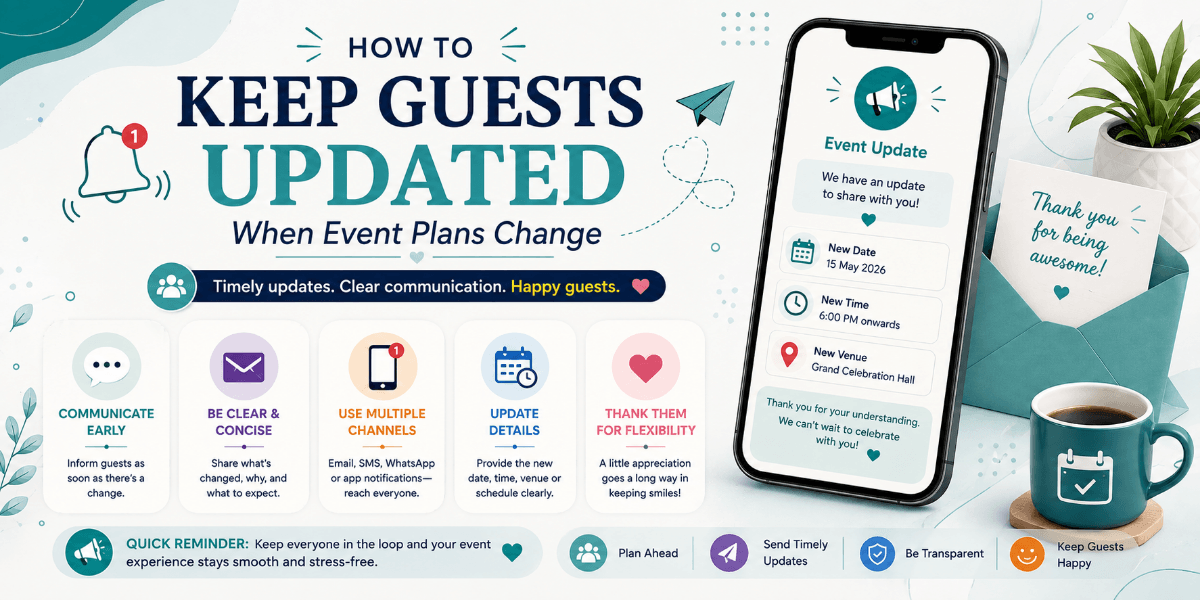
How to Keep Guests Updated When Event Plans Change
Event plans sometimes change after invitations have already been sent. A venue may change, the schedule may be adjusted, or an activity may need to be moved.
The challenge is making sure every guest receives the updated information and understands exactly what has changed.
Identify What Changed
Before contacting guests, clearly identify the changed information. Separate the new details from information that remains unchanged.
Make the Update Notice Obvious
Do not make guests search through the entire invitation to find the change. Clearly label the updated section and explain what is different.
Repeat the Important Details
If the venue or timing changes, include the complete updated information instead of asking guests to compare old and new messages themselves.
Update the Main Event Information
When possible, keep the primary digital event information updated so guests who open it later see the latest version rather than outdated details.
Pay Attention to Confirmed Guests
Guests who have already confirmed attendance may need special attention because they may have already made travel or preparation arrangements.
Use Clear and Calm Communication
A change does not have to create confusion. Explain the update briefly, provide the new information, and tell guests if they need to take any action.
Review Before Sending
Before communicating an update, check the date, time, venue, schedule, and other information carefully. Incorrect updates can create even more confusion.
Final Thoughts
Event changes are sometimes unavoidable, but poor communication does not have to be. Clear update messages and accurate event information can help guests adjust quickly and confidently.
FAQ
What should an event update message include?
It should clearly explain what changed, provide the complete updated information, and mention whether guests need to take any action.
Should confirmed guests receive event updates?
Yes. Guests who have already confirmed attendance should be kept informed whenever a change affects their plans.