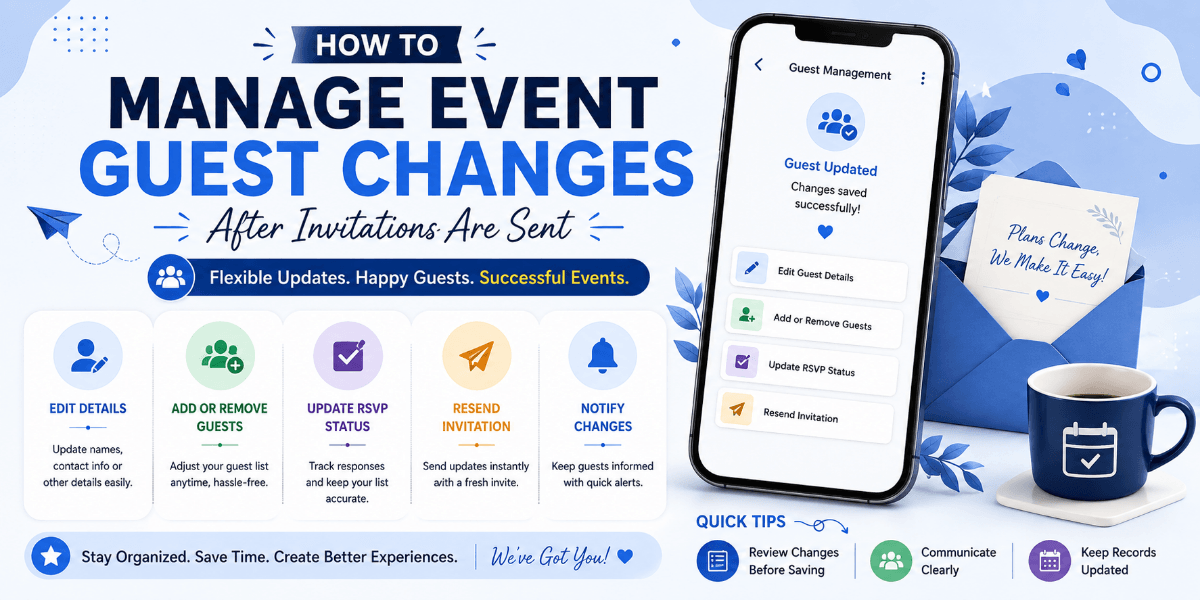
How to Manage Event Guest Changes After Invitations Are Sent
Sending invitations is only the beginning of guest management. After invitations go out, guests may confirm, cancel, change their response, request a plus-one, or provide updated information. Keeping these changes organized is important for accurate event planning.
Keep One Current Guest List
Avoid maintaining multiple versions of the guest list across different spreadsheets, chats, or notes. One current list makes it easier for everyone on the organizing team to work from the same information.
Track RSVP Changes
A guest who originally said yes may later cancel, while someone who did not respond may confirm closer to the event. Track these changes so the expected attendance remains accurate.
Record Approved Plus-Ones
If additional guests are permitted, record them separately so they are included in the final headcount and check-in information.
Update Catering Numbers
Guest changes can affect food requirements. Review the latest attendance numbers before giving final numbers to the caterer or venue.
Review Seating Arrangements
Events with assigned seating may require updates when guests cancel or new attendees are added. Do not wait until the last moment to review seating changes.
Communicate Important Changes
If a guest's change affects another arrangement, make sure the relevant organizer knows about it. This is particularly important for speakers, VIP guests, vendors, or guests with special requirements.
Set a Final Update Point
As the event approaches, establish a point after which only essential changes are accepted. This gives the organizing team a stable final guest count for preparation.
Keep Check-In Information Updated
The final guest list used at the entrance should reflect the latest approved changes. An outdated list can create unnecessary delays and confusion during arrival.
Final Thoughts
Guest changes are normal, especially for events planned several weeks in advance. The key is to keep updates organized and make sure the latest guest information reaches everyone who needs it.
FAQ
What should I do when a guest cancels?
Update the guest list and review whether the cancellation affects catering, seating, capacity, or other arrangements.
How can I manage guest changes more easily?
Keep one current guest list, track RSVP changes, record approved additional guests, and make sure the final check-in list is updated.